
CrossTec SchoolVue Student2.17.0000 - Google Play
You'll be able to see results in few seconds.
Publisher Description
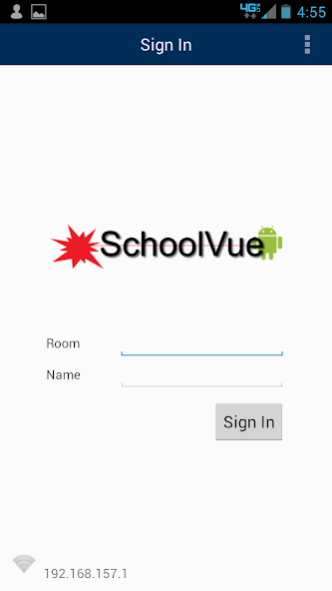
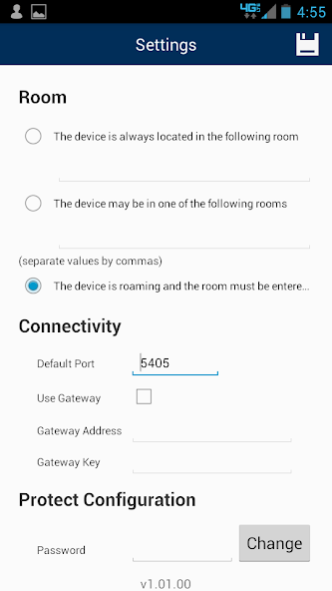
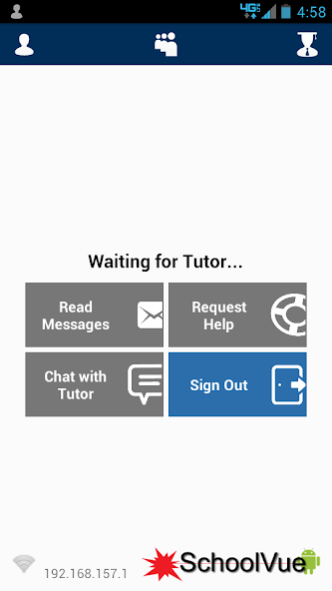
CrossTec SchoolVue extends real-time interaction, control and flexibility to student Android tablets within a SchoolVue classroom.
Teacher to Student Features:
Show Screen - Broadcast teachers screen to connected tablets. Students can use screen gestures like pinch, pan, and zoom to view key information as needed.
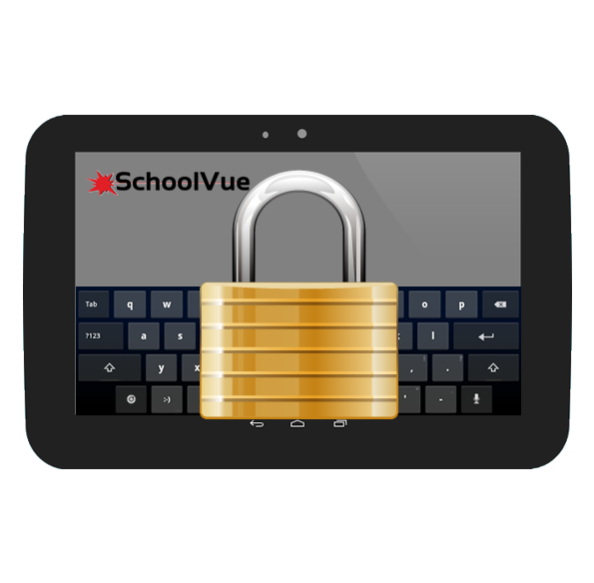
Lock Screen - Teachers can lock student tablet screens ensuring student focus.
Student Register - Teacher can request information from each students at the start of each class, creating a detailed register from the information provided. The requested information can be customized by the teacher.
Connection - The teacher can either browse for available tablets (from the SchoolVue desktop) or allow students to connect directly to the relevant class.
Lesson Objectives - Teacher can deliver details of the current lesson including overall lesson objectives and expected outcomes.
Messaging - The teacher can deliver a preset or customized message to one, some, or all tablets. Students receive an audible and visual notification when a message is received.
Chat - Both the teacher and the student can initiate chat sessions and participate in chat sessions.
Survey - Teachers can deliver 'on the fly' surveys to gauge student understanding. Students respond in real time and results are tabulated and can be shown to the whole class giving the students instant feedback.
Help Request - Students can privately alert the teacher that they need assistance. The teacher can initiate one-on-one communication. Additionally a red bar appears at the top of the student tablet, allowing the teacher to easily see who requires assistance while walking around the room.
Configuration Settings - Teachers can preconfigure each tablet with the required connectivity settings or push settings out via the SchoolVue desktop teacher.
*Android v4.0 or later.
**CrossTec SchoolVue v11.30 or later.
If you are new to CrossTec SchoolVue, the CrossTec Android Student requires the SchoolVue desktop teacher. You can download the Teacher at www.crosstecsoftware.com and try it free for 30 days.
Please Note: This app uses the Device Administrator permission.
About CrossTec SchoolVue Student
The company that develops CrossTec SchoolVue Student is CrossTec Software. The latest version released by its developer is 2.17.0000.
To install CrossTec SchoolVue Student on your Android device, just click the green Continue To App button above to start the installation process. The app is listed on our website since 2022-05-17 and was downloaded 0 times. We have already checked if the download link is safe, however for your own protection we recommend that you scan the downloaded app with your antivirus. Your antivirus may detect the CrossTec SchoolVue Student as malware as malware if the download link to com.netsupportsoftware.school.student.oem.crosstec is broken.
How to install CrossTec SchoolVue Student on your Android device:
- Click on the Continue To App button on our website. This will redirect you to Google Play.
- Once the CrossTec SchoolVue Student is shown in the Google Play listing of your Android device, you can start its download and installation. Tap on the Install button located below the search bar and to the right of the app icon.
- A pop-up window with the permissions required by CrossTec SchoolVue Student will be shown. Click on Accept to continue the process.
- CrossTec SchoolVue Student will be downloaded onto your device, displaying a progress. Once the download completes, the installation will start and you'll get a notification after the installation is finished.
Program Details
System requirements
Download information
Pricing
Version History
version 2.17.0000
posted on 2022-05-17
What’s new in 2.17.0000
• Added the ability to configure the Android Student via an MDM solution.
version 2.16.0000
posted on 2021-10-20
. Resolved an issue when marking a student correct or incorrect in Q & A mode, if the Android Student was using Android version was 11.
version 2.15.0001
posted on 2020-01-21
What’s fixed in 2.15.0001
. User prompt for "Draw over other App" permission now occurs on first run.
version 2.15.0000
posted on 2019-11-22
Added x64 bit Architecture Support
version 2.13.0000
posted on 2017-08-08
What’s New
Added support for Android 7.
On Android 7 devices:
. Split screen.
. Reply to chats from the notification menu.
* This app uses the Device Administrator permission. *
Disclaimer
Official Google Play Link
We do not host CrossTec SchoolVue Student on our servers. We did not scan it for viruses, adware, spyware or other type of malware. This app is hosted by Google and passed their terms and conditions to be listed there. We recommend caution when installing it.
The Google Play link for CrossTec SchoolVue Student is provided to you by apps112.com without any warranties, representations or guarantees of any kind, so access it at your own risk.
If you have questions regarding this particular app contact the publisher directly. For questions about the functionalities of apps112.com contact us.
